
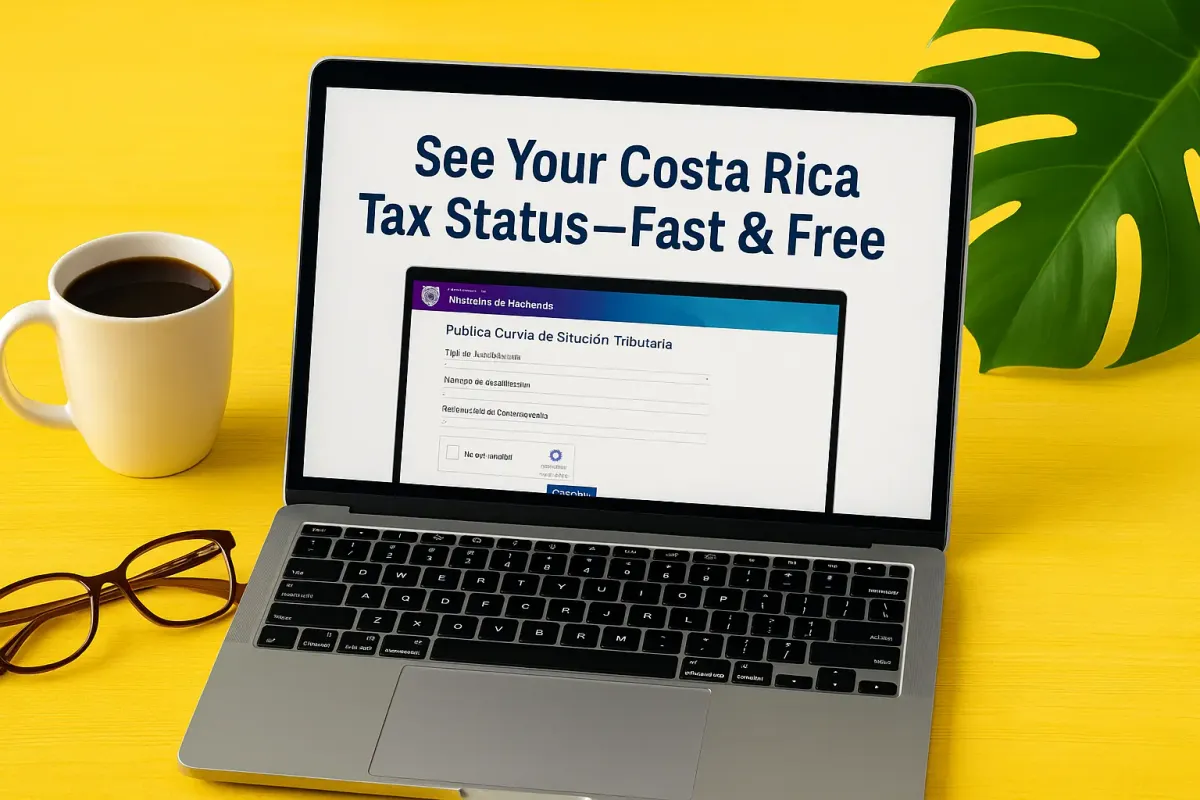
See Your Costa Rica Tax Status—Fast & Free
Use Costa Rica’s OVi-TRIBU-CR portal to check your tax status—fast and free. Our step-by-step guide helps expats and retirees confirm they’re “al día” with Hacienda and save a PDF for banks or residency.
A New Way to Stay in Good Standing
If you live in Costa Rica, even part-time, it’s important to know whether you’re “in good standing” with the tax office—known here as the Ministerio de Hacienda.
Until now, most people used the older ATV website or had to visit a tax office. But Costa Rica is moving to a modern digital system: the OVi-TRIBU-CR portal under the upcoming TRIBU-CR platform.
No password or account required—just your ID number.
Note: Because the tax administration is migrating to TRIBU-CR, some system updates or data freezes may occur during the transition.
Why It Matters
Your “tax status” report shows whether you’re up to date (al día) or missing something. It matters because:
- You may need it to renew residency, open a bank account, or buy property.
- Banks and government offices often ask for proof you’re current with Hacienda.
- If you rent property or own a small business, staying compliant avoids unexpected fines or delays.
What You Can See
This free public tool displays basic information pulled from Hacienda’s database:
• Número de identificación: (Taxpayer ID: cédula, DIMEX, or NITE)
• Nombre: (Name or company name)
• Estado del cumplimiento: (Status – Al día (current), Omiso (missing returns), Moroso (unpaid taxes), or Desinscrito (no longer active)
• Administración tributaria: (Your tax office)
• Sistema: (System)
• Fecha de actualización: (Last update)
• Estado Tributario: (Tax status)
• Domicilio Fiscal: (Fiscal address)
• Fecha de inscripción: (Date registered)
• Fecha de desinscripción: (Date unregistered)
It does not show private details like exact debt amounts, payments, or bank account information.
Who Can Use It
Anyone can use this public query—no login or special account needed. It’s especially helpful for:
• Retirees verifying they’re al día
• Foreign residents or investors checking a local company
• Landlords confirming their registration status
• Accountants or attorneys verifying client status
What You’ll Need
Just have:
- Your tax ID number (cédula, DIMEX, NITE, or cédula jurídica)
- A compatible browser and internet connection
- (Optional) The name of the person or business you’re checking (useful if you’re verifying another entity)
Step-by-Step Guide
- Go to https://ovitribucr.hacienda.go.cr/ConsultaPublica
- Input the Tipo de Identificación: Cédula (CR ID), Cédula Jurídica (Company ID), Documento de Identidad Migratorio para Extranjeros (DIMEX), Documento de Identificación de Diplomáticos (Diplomat ID), Número de Identificación Tributario Especial (NITE)
- Enter your ID number exactly—avoid spaces or extra symbols.
- Complete the security question (CAPTCHA).
- Click Consultar.
- Review the result carefully to confirm your status.
- Print or Save as PDF for your records, bank, accountant, or residency file.
Understanding the Results
Al día – You’re current; no missing filings or public debts shown.
Omiso – One or more tax returns are missing.
Moroso – You owe unpaid taxes, interest, or penalties.
Desinscrito – Your registration is not active or you’re no longer in the system.
Suspendido – Your record is temporarily suspended (under review).
Always check the registration date shown to know when your taxpayer ID was first registered.
If Something Looks Wrong
If you see Omiso or Moroso and believe you’re compliant:
• Double-check your ID number and try again later.
• Keep in mind that during system changes, the public query may not reflect the absolute latest updates.
• Contact your local tax office (Administración Tributaria) or your accountant with your ID and filings to clarify your status.
• Consider regularising any outstanding filings or contact your contador público (accountant) for help.
Advantages of the New System
✅ Public access with no login required
✅ Direct link to official Hacienda records
✅ Works on both computers and mobile devices
✅ Free, available 24/7
✅ Part of the bigger modernization under TRIBU-CR, which aims to make tax compliance easier
Tips for Seniors and Retirees
- Ask a trusted friend, family member, or accountant for help the first time.
- Save the web link as a bookmark in your browser for quick access later.
- Keep your ID number written down near your computer or in your digital notes.
- If you use a VPN, try turning it off if the page fails to load.
- Check your tax status at least once a year, or before a big step like a property purchase or bank application.
- After you confirm you’re al día, print or screenshot the result and keep it in your files—it helps if you ever need proof.
- Don’t worry—checking your status won’t change or affect your account in any way.
Privacy Notes
This query shows only public information. It does not reveal personal income, bank balances, detailed debt schedules, or declarations.
If you’re checking someone else’s status, use it responsibly—just their ID number is needed.
Final Thoughts
Costa Rica’s move to the new TRIBU-CR and OVi-TRIBU-CR system is a big step in digital tax administration. The Consulta Pública de Situación Tributaria tool is an excellent example of making compliance simple and accessible—especially for retirees and expats.
Spend two minutes to check your status today. It’s free, fast, and gives you peace of mind. Need Help? If your status shows Omiso or Moroso, talk to a trusted accountant or contact us for a quick reply: